How to open an NPS account online
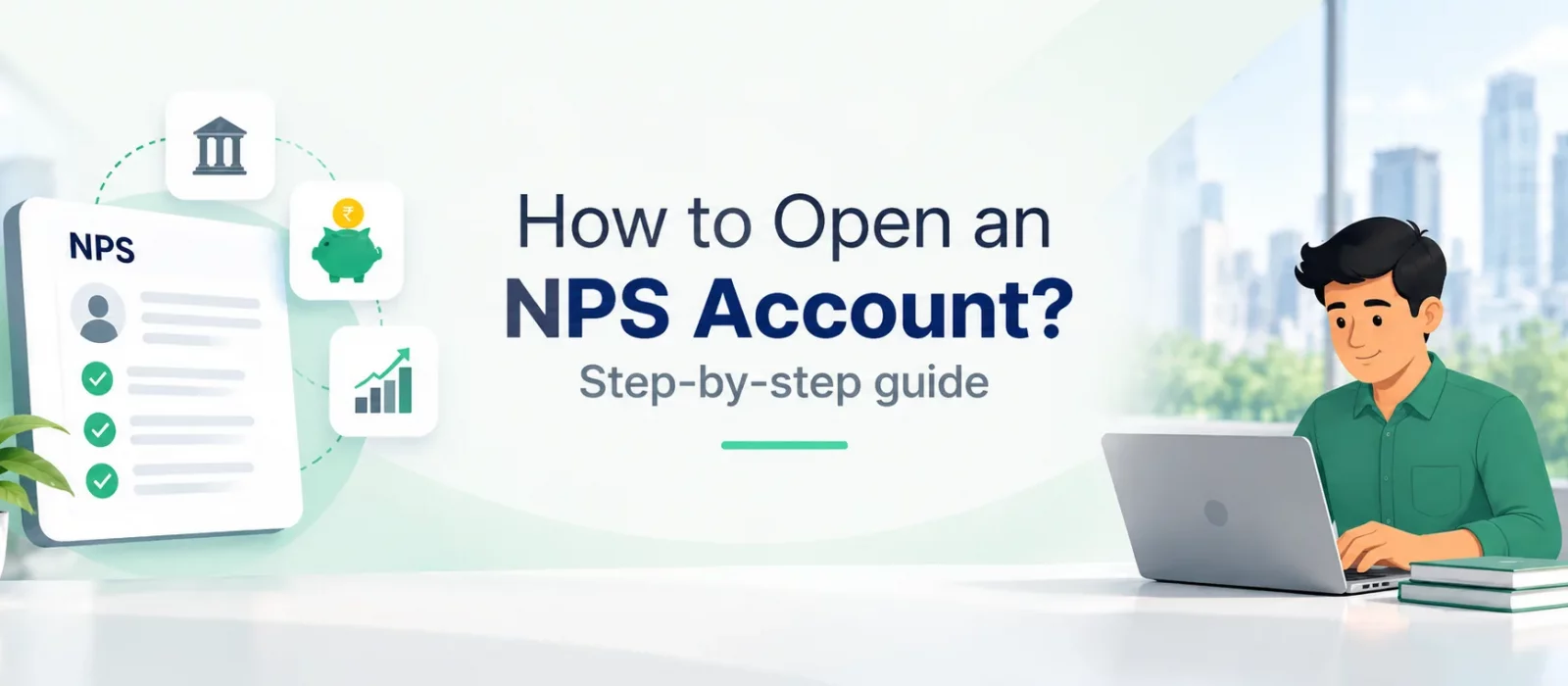
The National Pension System (NPS) is a way to build retirement savings over time through regular contributions invested in market-linked options. If you are considering NPS, opening an account is the first step. You can register online through an authorised NPS platform or get help from a registered Point of Presence (PoP).
Before you begin, check which account you need and keep your personal, KYC and bank details handy. The steps below explain the usual process; the exact screens and requirements can vary by platform and registration route.
Who can open an NPS account?
Under the All Citizen Model, eligible Indian citizens—including resident and non-resident Indians—and Overseas Citizens of India (OCIs) can join NPS, subject to the applicable age and KYC requirements. The general eligible age range is 18 to 70 years. Hindu Undivided Families (HUFs) and Persons of Indian Origin (PIOs) are not eligible under this model.
Eligibility and documentation can vary by subscriber category and registration route, so check the current requirements before applying.
Tier I or Tier II: which account should you choose?
If your goal is to save for retirement, Tier I is the main NPS account to consider. It is the pension account, and withdrawals are governed by NPS rules. Tax benefits may be available, depending on the applicable tax provisions and your circumstances.
Tier II is an optional investment account that can be opened only if you have an active Tier I account. It allows more flexible withdrawals, but its tax treatment differs from Tier I. Understand the distinction before choosing an account type.
Keep these details and documents ready
The information requested depends on your subscriber category and the registration method. In most cases, it helps to have the following ready:
- PAN details.
- Aadhaar details and access to the mobile number linked to Aadhaar, if Aadhaar-based verification or DigiLocker is used.
- An active mobile number and email address.
- Bank account details and any bank proof requested by the platform.
- A recent photograph and signature image, if required. Some journeys may ask you to take a live selfie instead.
- Nominee details and any information needed to complete the nomination.
Some details may be fetched electronically through DigiLocker or another approved verification method. Check every field before submitting the form. Differences between the information you enter and your official records—such as your name, date of birth, address or bank details—can lead to verification issues or delays.
Steps to open an NPS account online
1. Choose an authorised registration route
Start with an authorised online NPS registration platform or apply through a registered Point of Presence. If you are saving for your own retirement, check that you are selecting the individual Tier I account under the All Citizen Model, unless you are specifically registering through an employer’s Corporate NPS arrangement.
2. Enter your personal and contact details
Fill in the requested details, including your name, date of birth, address, mobile number and email address. Check them against your official records; correcting an error later may take extra effort.
3. Complete identity and KYC verification
Follow the verification steps offered by the platform. Depending on the route, this may involve PAN validation, Aadhaar-based authentication, an OTP, DigiLocker or another accepted KYC process. Keep your phone nearby for any OTP checks.
4. Add your bank details and nominee information
Enter the bank details requested and complete the nomination section. Check account numbers and other details carefully before moving ahead. Supporting information can vary by registration route.
5. Choose your pension fund and investment option
You may be asked to select a Pension Fund and an investment option or asset allocation. These choices determine how your NPS contributions are invested. Consider your time until retirement, comfort with investment risk and the role NPS will play in your overall savings. Returns are market-linked and are not guaranteed.
6. Complete the photograph and signature requirements
Depending on the platform, you may need to take a live selfie or upload a recent photograph, along with an image of your signature. Follow the instructions on image size, clarity and format.
7. Make the initial contribution and submit the application
Follow the platform’s instructions for the initial contribution and any applicable registration charges. The minimum contribution can depend on the account type and registration route; check the amount shown in the current application rather than relying on an old figure. Complete any digital signing or confirmation step to submit your application.
8. Save your acknowledgement and PRAN
Keep the acknowledgement or application reference for your records. Your Permanent Retirement Account Number (PRAN) is the unique number associated with your NPS account. Save it securely and look out for confirmation by SMS or email. If the application is still being processed, use the reference provided to check its status.
How to open an NPS account through the Floatr app
You can start NPS onboarding from the Floatr app. The account-opening journey is designed to take less than five minutes to complete, provided you have the required details ready and verification goes through smoothly. Log in using your mobile number and select the NPS onboarding option to get started.
Floatr offers account opening under both the All Citizen Model and the Corporate NPS model. Choose the route that matches your situation. For an All Citizen account, an initial contribution is required as part of registration. For Corporate NPS, the process may be completed without an initial contribution, depending on the employer arrangement and the flow shown in the app.
The exact screens and sequence may change as the app is updated. Add screenshots here to show readers where to start, which details to enter, how verification works, where to make the required choices and how to confirm that the application has been submitted.
For more information about the employer-based route, read Floatr’s guide to Corporate NPS.
What happens after you open the account?
Once your account is registered and your PRAN is allotted, keep your PRAN and login details safe. Review your account information, investment choice and nomination, and check that your initial contribution has been processed and the units have been credited. The time taken for verification and for units to appear can vary by registration route and processing steps. If there is a delay, check the application status.
Your PRAN is intended to stay with you when you change jobs or move between locations. If a future employer offers Corporate NPS, you generally do not need to open a second NPS account just because your employment changes. Ask how your existing PRAN can be linked to the employer’s NPS arrangement.
Common mistakes to avoid
- Entering a name, date of birth or address that does not match your KYC records.
- Using a mobile number you cannot access during OTP verification.
- Uploading a photograph or signature that is unclear or does not meet the platform’s requirements.
- Choosing an investment option without understanding that returns are market-linked and can fluctuate.
- Assuming registration is complete before you receive confirmation or check your PRAN and application status.
Frequently asked questions
1. Can I open an NPS account online?
Yes. You can apply through an authorised online NPS registration platform. Registration is also available through registered Points of Presence. Verification steps depend on the route you choose.
2. What is the minimum age to open an NPS account?
Under the All Citizen Model, the general eligible age range is 18 to 70 years, subject to current eligibility and KYC requirements.
3. Can I open an NPS account if I already have EPF or PPF?
Yes. NPS can generally be held alongside EPF, PPF and other retirement arrangements. However, an individual should not open multiple NPS accounts. If you already have a PRAN, use that existing account.
4. What documents or details are needed to open an NPS account?
You will commonly need PAN details, Aadhaar or another accepted KYC method, contact details, bank information and nominee details. A photograph and signature may also be requested. The exact list depends on the registration route.
5. What is a PRAN in NPS?
PRAN stands for Permanent Retirement Account Number. It uniquely identifies your NPS account and is intended to remain the same when you change jobs or move between locations.
6. Should I choose Tier I or Tier II?
Tier I is the main pension account, with withdrawals governed by NPS rules. Tier II is optional, requires an active Tier I account and has different withdrawal and tax treatment. If your aim is retirement saving, understand Tier I first.
7. How long does it take to open an NPS account?
The time depends on the platform and whether verification is completed successfully. On the Floatr app, the onboarding journey is designed to take less than five minutes, but processing and unit-crediting may take longer.
8. Can I open an NPS account through the Floatr app?
Yes. Open the NPS onboarding option in the Floatr app and follow the instructions shown. If you need help during the process, use the in-app chat feature.