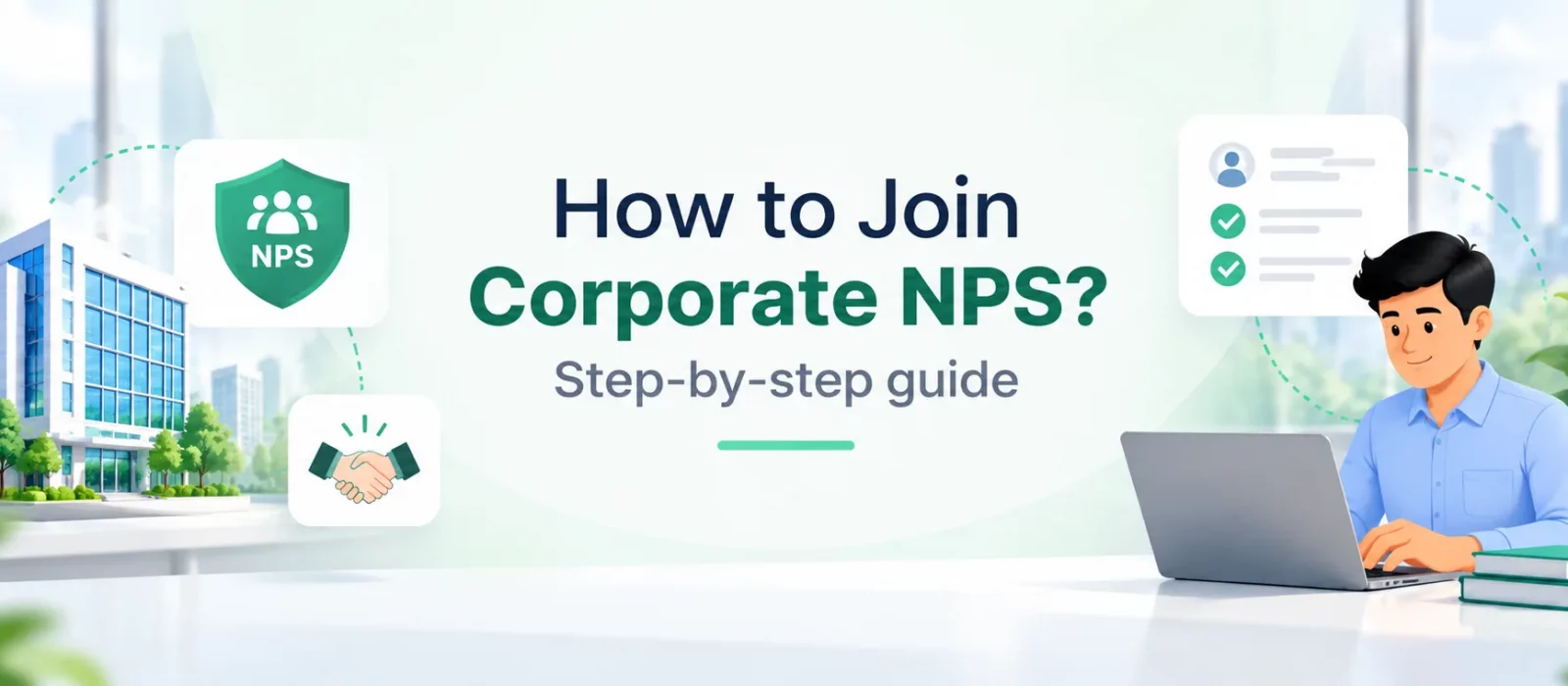
How to join Corporate NPS
If your employer offers the National Pension System (NPS), you may be able to build retirement savings through the Corporate NPS model. Depending on the company’s arrangement, contributions may come from you, your employer or both. The first step is usually to check with your HR or payroll team.
The process depends on whether you already have an NPS account. If you are new to NPS, you will need to register under the Corporate Sector through your employer’s onboarding process. If you already have an individual NPS account, you can generally use your existing Permanent Retirement Account Number (PRAN) and follow the process to associate it with your employer’s Corporate NPS programme. You should not open a second NPS account simply because your employer has introduced the scheme.
This guide explains both routes. The exact steps and information required may vary depending on your employer, registration platform and Central Recordkeeping Agency (CRA).
First, check whether your employer offers Corporate NPS
An employee cannot independently activate Corporate NPS under an employer’s name. The organisation must first adopt the scheme and establish the required arrangement. If your company has announced Corporate NPS, ask HR or payroll for the approved onboarding instructions.
If your employer has introduced Corporate NPS through Floatr, download the Floatr app and start the onboarding process there.
Before you begin, it is useful to understand how the programme works at your company. Ask whether contributions will be deducted from your salary, whether the employer will contribute, how payroll deductions are handled and which investment choices are available. These details can differ across organisations.
Option 1: How to open a new Corporate NPS account
If you do not already have an NPS account, you can follow your employer’s registration process to open one under the Corporate Sector. Some employers coordinate registration through a service provider. If your employer uses Floatr, you can complete the onboarding journey in the Floatr app. If you need help, use the in-app chat feature.
1. Start with your employer’s onboarding instructions
Use the link or instructions shared by HR, payroll or the organisation’s authorised service provider. If your intention is to join your employer’s Corporate NPS programme, make sure you follow the Corporate Sector route rather than starting a separate All Citizen registration.
2. Enter your personal details
Provide the information requested, which may include your name, date of birth, contact details, PAN and employment details. Check that these details match your official records to avoid verification issues.
3. Complete KYC and verification
Follow the verification process shown on the platform. Depending on the route, this may involve PAN validation, Aadhaar-based authentication, OTP verification, DigiLocker or other accepted checks. Keep your registered mobile number available.
4. Add the required bank, nominee and employment information
Complete the fields requested during registration. The precise information and supporting documents can vary by platform and employer arrangement, so follow the instructions shown in the onboarding journey.
5. Review the investment options
Follow the instructions for selecting or confirming your Pension Fund and investment option. Your employer’s arrangement may determine some of the choices available to you. Review the options before proceeding.
6. Submit the application and save the confirmation
Complete any digital signing, confirmation or contribution step required by the registration route. Keep the acknowledgement or application reference for your records and check for confirmation that your account has been registered.
Your PRAN is allotted as part of the registration process. Keep it safely for future reference and use the app or the instructions provided to check your account details.
Option 2: How to shift your existing NPS account to Corporate NPS
Already have an NPS account that you opened yourself? You generally do not need to open another one. Your PRAN is unique to you and is intended to remain the same when you change jobs or move between eligible NPS sectors. If your employer offers Corporate NPS, you can follow the applicable process to associate your existing PRAN with the employer’s arrangement.
This is often described as shifting an NPS account to Corporate NPS. You are not starting your retirement savings from scratch or creating a second PRAN. Your existing pension wealth remains linked to your PRAN, subject to the applicable NPS processes and rules.
If your employer offers Corporate NPS through Floatr, you can initiate the shifting process in the Floatr app.
1. Start the existing-account process
Follow your employer’s Corporate NPS onboarding instructions and select the option for an existing NPS account, where available. If you are unsure which option to choose, ask HR or the programme’s service provider before submitting a new-account application.
2. Keep your PRAN and employment details ready
You will need your existing PRAN. In the Floatr app, the shifting journey asks you to provide employment details, including your employee number and date of joining, and to select your employer. Follow the current in-app prompts in case the fields or sequence change.
3. Submit the shifting request
Complete the required details and submit the request through the route provided. Depending on your current NPS sector, CRA and your employer’s setup, additional verification or processing may be required.
4. Check that the shift is complete
Keep the acknowledgement and check the status of your request. Confirm with HR or the service provider that your existing PRAN has been associated with the employer’s Corporate NPS arrangement. Also check when contributions through payroll are expected to begin.
How long does it take to shift an existing NPS account?
On Floatr app, submitting the shifting request is designed to take around two minutes when you have the required details ready. The time for the shift itself can vary. If your existing account and the employer’s programme use the same CRA, the change may happen immediately. If they use different CRAs, processing can take up to seven working days in some cases. Check the status shown through the relevant platform or service provider.
After a shift between CRAs, you may need to use the new CRA’s portal to access your NPS account. Follow the instructions provided once the shift is complete.
Will your existing NPS balance or PRAN change?
Your PRAN is a unique identifier and generally remains unchanged when you move between employers or eligible NPS sectors. You should not need to create a new NPS account simply because your employer has introduced Corporate NPS. Your accumulated pension wealth remains linked to the PRAN, subject to the applicable NPS processes and rules.
The important distinction is between opening a new account and associating your existing PRAN with your employer’s arrangement. If you already have NPS, tell HR before you begin so you can follow the correct route.
What should you check before joining?
- Confirm that your employer has adopted Corporate NPS and ask for the official onboarding route.
- Keep your PAN, contact details and employment information ready. If you already have NPS, keep your PRAN handy.
- Check whether contributions will come from you, your employer or both, and how payroll deductions will work.
- Review the investment options available under your employer’s arrangement.
- Save the application reference and confirm that your new account or existing-PRAN association has been completed.
- Check the tax treatment applicable to your circumstances rather than assuming every contribution receives the same benefit.
Frequently asked questions
1. How do I join Corporate NPS?
If your employer offers Corporate NPS, ask HR or payroll for the authorised onboarding instructions. The process depends on whether you are opening a new account or registering an existing PRAN.
2. Can I open a Corporate NPS account if I do not already have NPS?
Yes. If your employer has adopted Corporate NPS, follow the employer’s registration process to open an account under the Corporate Sector.
3. I already have an NPS account. Do I need to open another one for Corporate NPS?
Generally, no. Provide your existing PRAN and follow the process to associate or shift it to your employer’s Corporate NPS arrangement. If your employer offers NPS through Floatr, you can start the shifting process in the Floatr app.
4. How do I transfer my existing NPS account to Corporate NPS?
Start with your employer’s Corporate NPS onboarding instructions. Provide your existing PRAN and complete any verification or shifting steps required for your current account and the employer’s setup.
5. Will my PRAN change when I join Corporate NPS?
Your PRAN is intended to remain the same when you change jobs or move between eligible NPS sectors. Follow the applicable process to associate it with your employer’s arrangement.
6. Can my employer contribute to my Corporate NPS account?
Depending on the employer’s policy and the arrangement it has adopted, contributions may be made by the employer, employee or both. Confirm the details with HR or payroll.
7. Can I join Corporate NPS if I already have EPF?
NPS can generally be held alongside EPF and other retirement arrangements. Check the current tax rules and your employer’s contribution policy to understand how they apply to you.
8. How long does it take to join Corporate NPS?
The time depends on your employer’s process, the registration platform and any verification or shifting steps. On Floatr, the shifting request is designed to take around two minutes to submit, but processing can take longer—particularly when different CRAs are involved.
9. Is the process of opening a Corporate NPS account the same as opening an individual NPS account?
No. The process is slightly different. Corporate NPS enrolment is facilitated through your employer’s Corporate NPS programme, whereas an individual NPS account is opened under the Individual (All Citizen) Model. To learn more, read our step-by-step guide on how to open an NPS account online.
10. I am already part of Corporate NPS. How do I exit and move to the All Citizen Model?
If you are already enrolled in Corporate NPS and wish to switch to the All Citizen Model, refer to our detailed guide: How to Exit Corporate NPS and Switch to the All Citizen Model for the step-by-step process.